Data Export
Export traces, human reviews, datasets, dataset runs, and experiment results for offline analysis.
Data Export
The Data Export system allows you to extract Traces, Human Reviews, Dataset, Dataset runs and Experiment run results for offline analysis, model fine-tuning, and stakeholder reporting.
Use this when you need to perform deep-dive analysis in Excel/Pandas, archive logs for audit trails, or create JSONL datasets for model training.
How It Works
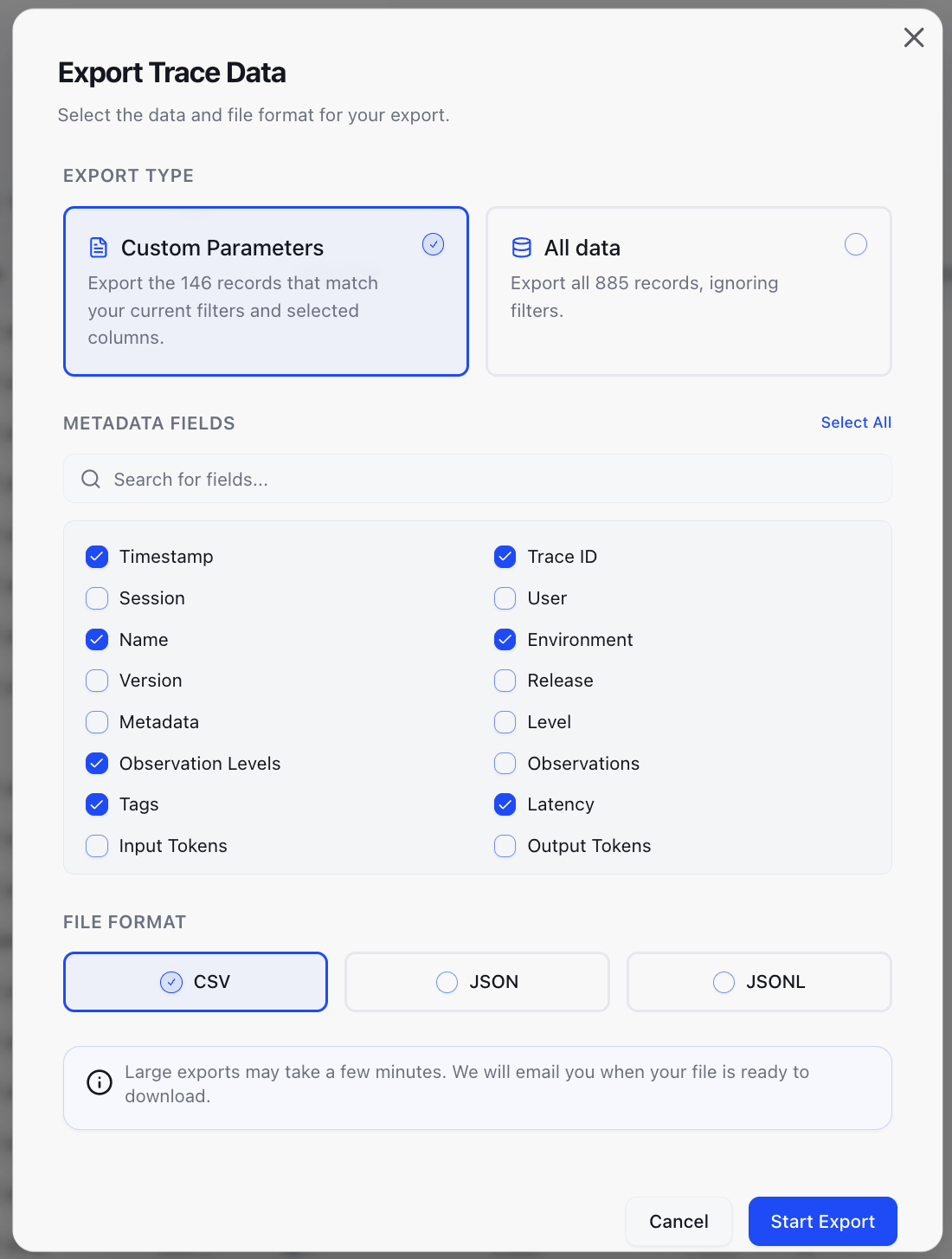
- Configuration: Click the Export button in the top-right corner of any data table (Traces, Human Review, Experiments, Datasets, or Dataset runs).
- Selection: Choose between a Custom View (with parameters you select) or Raw Data.
- Format Choice: Select your preferred file type:
- CSV: Ideal for business users. Nested objects are automatically flattened into separate columns.
- JSON: Standard web format that maintains nested data structures.
- JSONL: Optimized for logs and model fine-tuning (one JSON object per line).
- Async Delivery: Click the CTA, and we will begin preparing your file. You will receive an email with a download link shortly.
To ensure high performance, the maximum data export supported is 10,000 rows per request.
Manage Your Exports
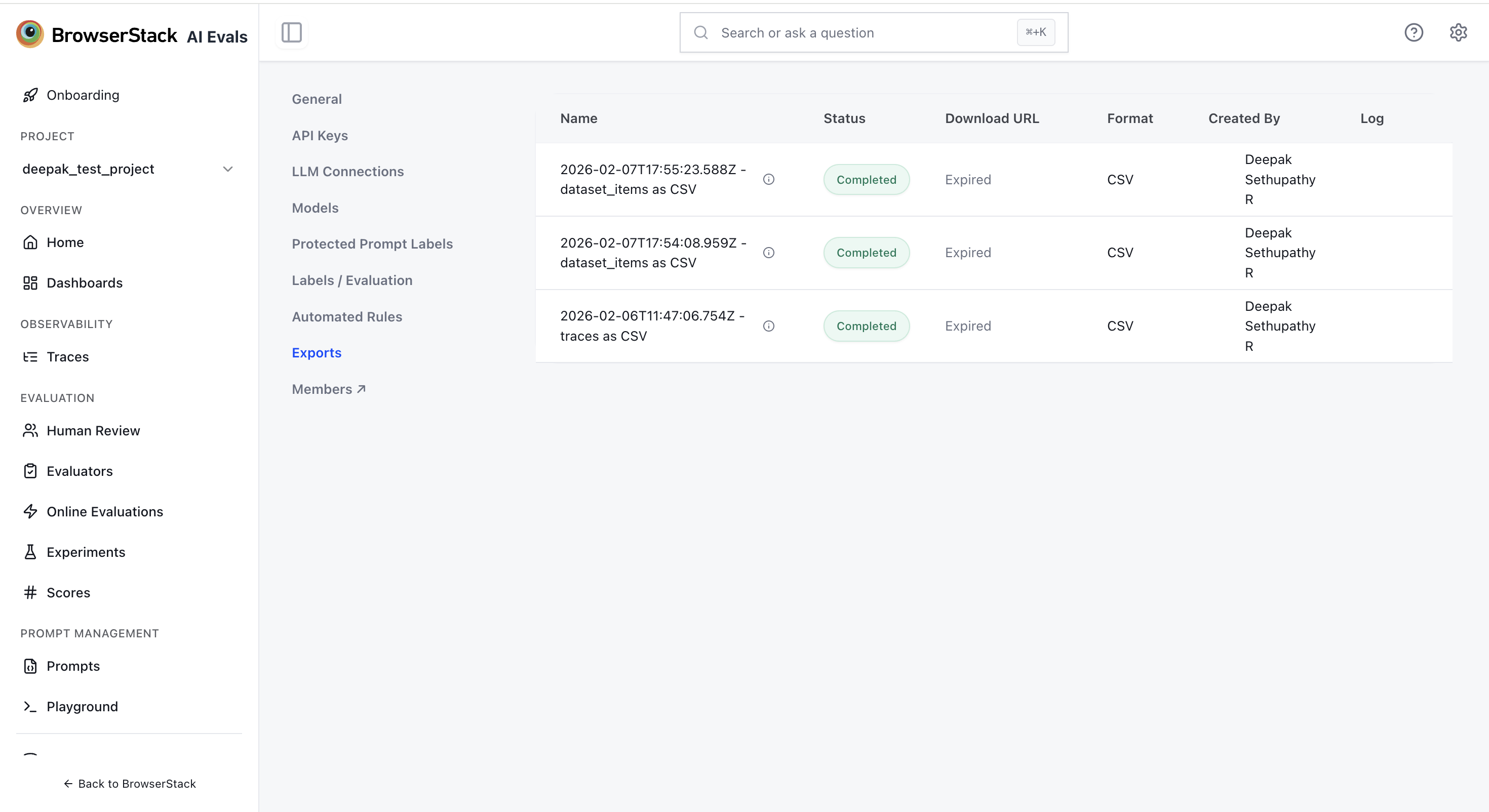
From the Export Page, you can:
- Track Status: See which exports are pending, completed, or failed.
- Review History: Access a log of all data extractions performed by your team.